12. Administration
Role-gated
The Admin page is visible only to users with the
admin role. Other users see Editor / Schedule / Monitor / Documentation but not Admin.
12.1 Users
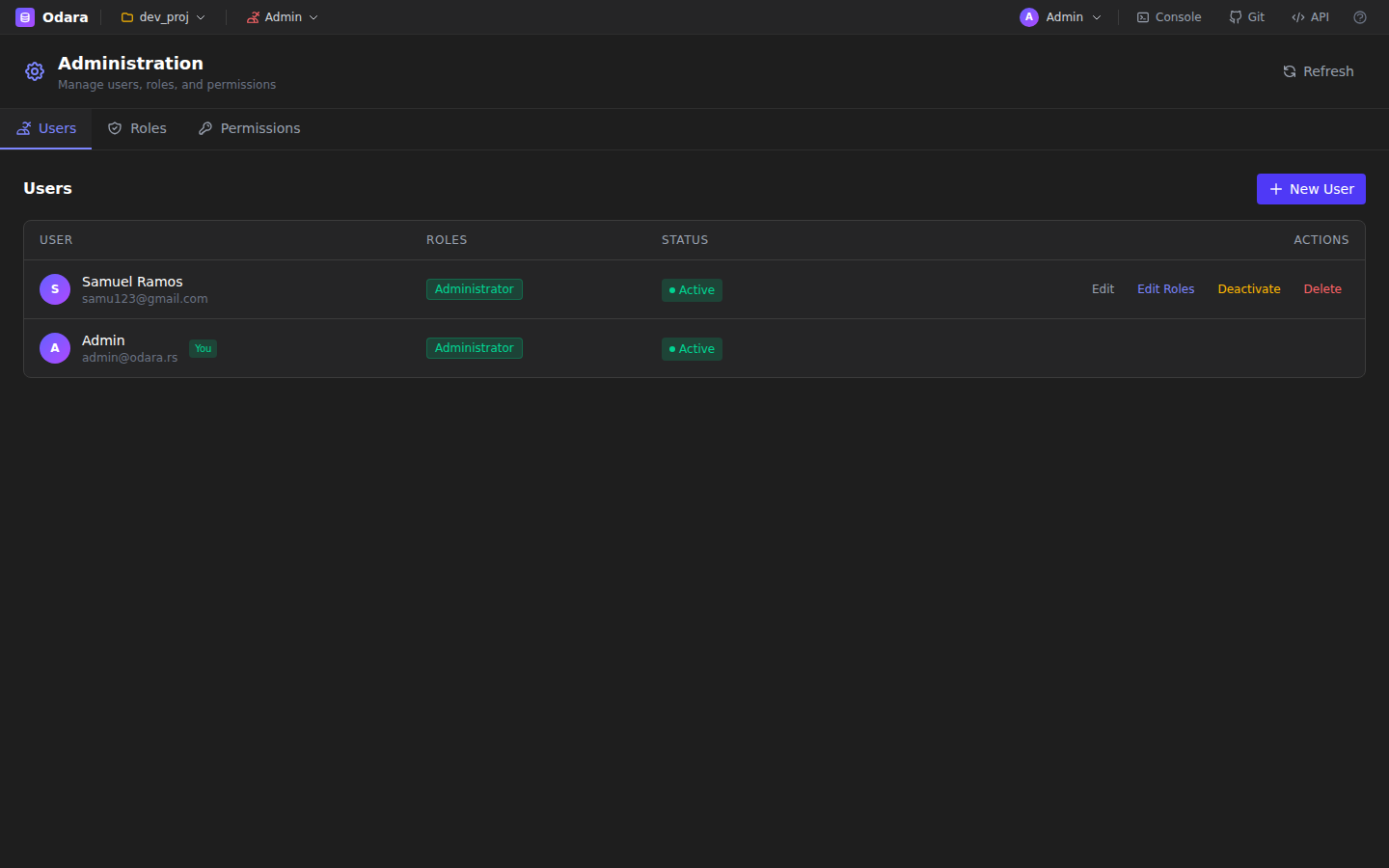
Administration — Users tab with roles and status
Manage user accounts: create, update, deactivate, delete. Each user has an email, display name, optional avatar URL, country, company, and telephone.
No user limit
From Odara 0.4.3 on, an installation can have as many users as you need. Versions up to 0.4.2 allowed 3.
12.2 Roles
Four built-in roles ship with Odara ETL:
- Administrator — full access, including user management.
- Developer — can create and edit pipelines / maestros / resources.
- Operator — can execute, schedule, and monitor, but not edit.
- Viewer — read-only access to everything.
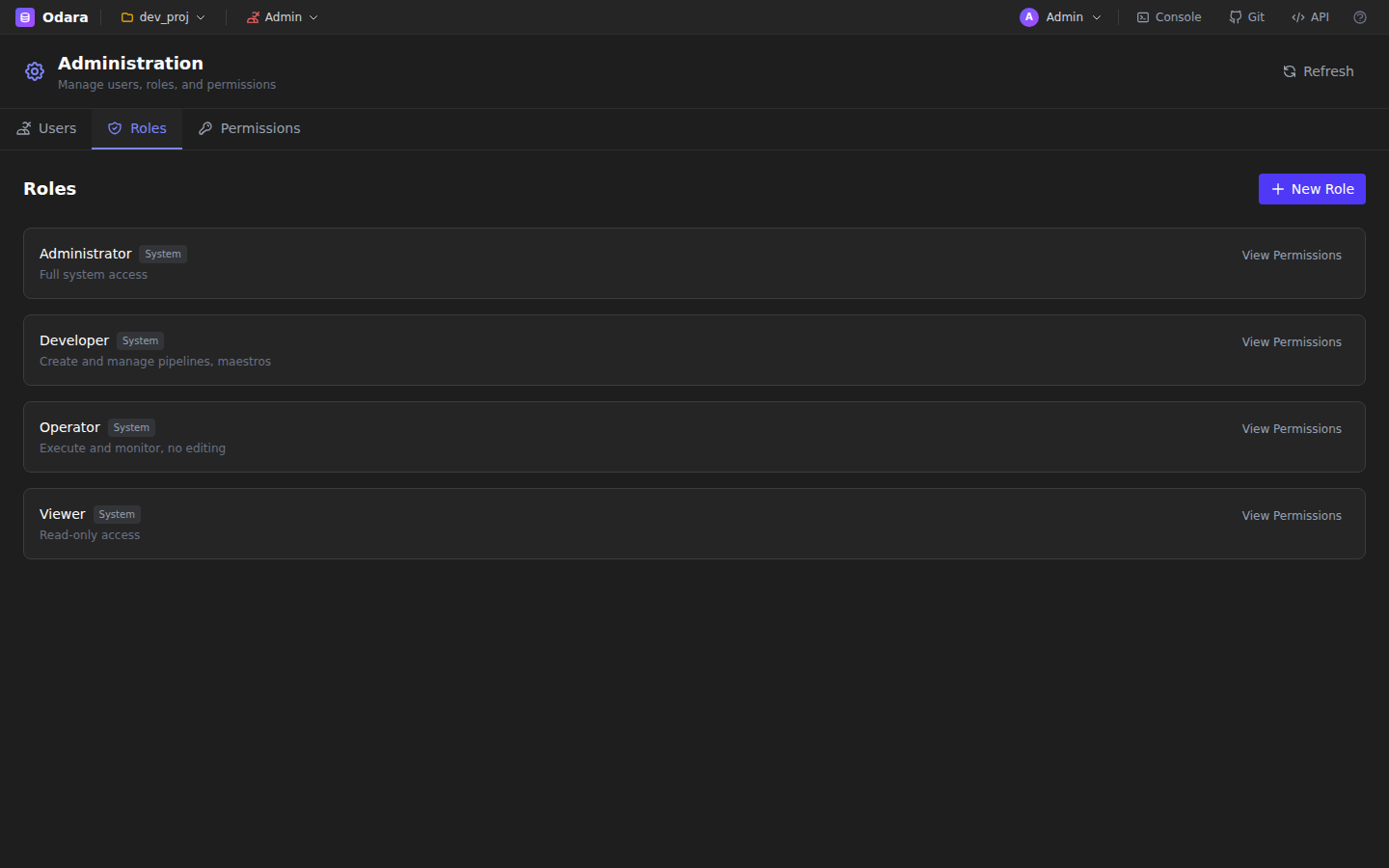
Roles tab — four system roles with their descriptions
12.3 Permissions
The Permissions tab shows the fine-grained matrix: which role can read/write/execute each resource type (pipelines, maestros, metadata, schedules, admin). The matrix is fixed.
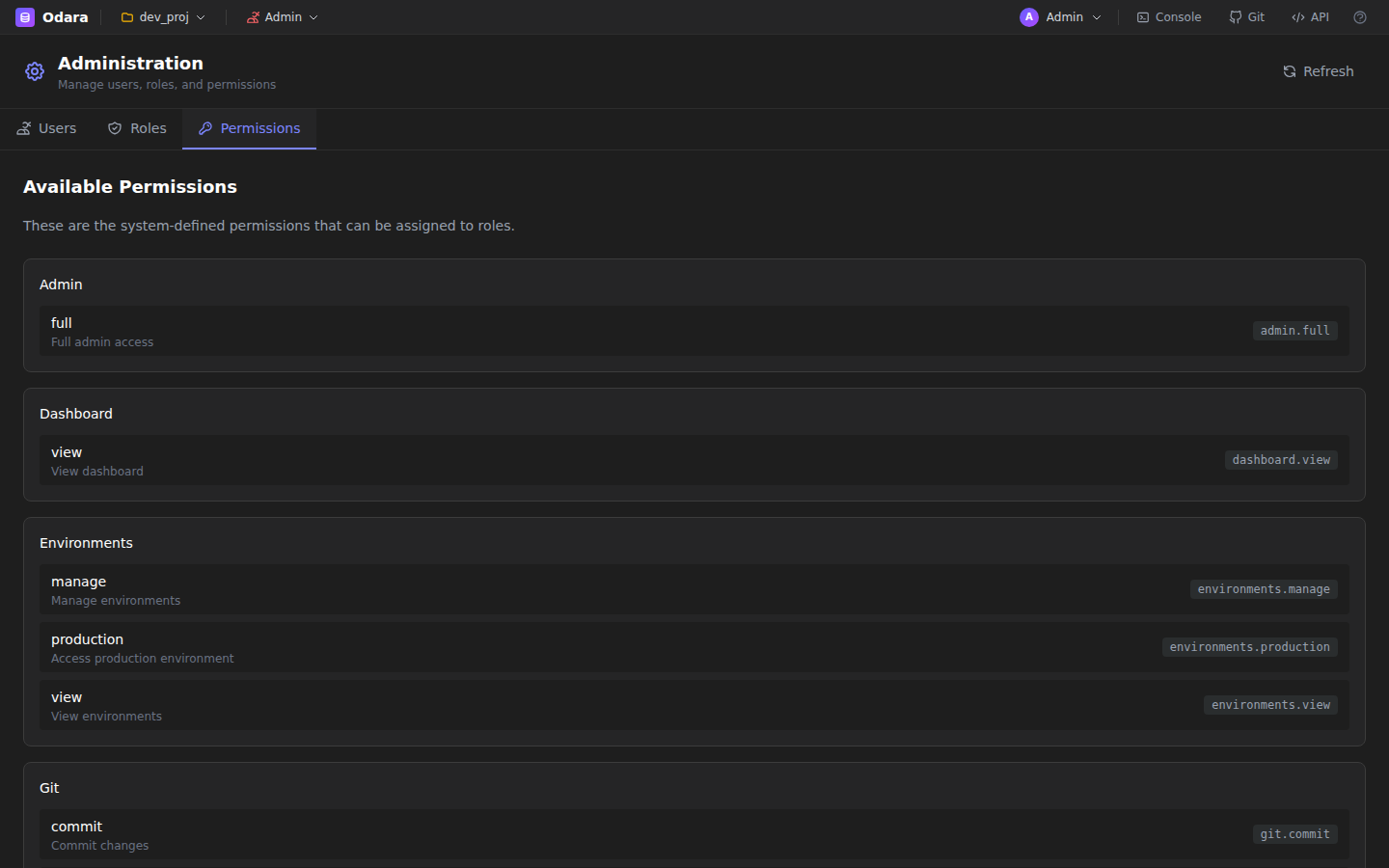
Permissions — role × resource matrix (read / write / execute)