Generated documentation.
Odara ETL documents your pipelines, Maestros and resources, with PDF export.
10. Documentation (internal auto-generator)
10.1 Page overview
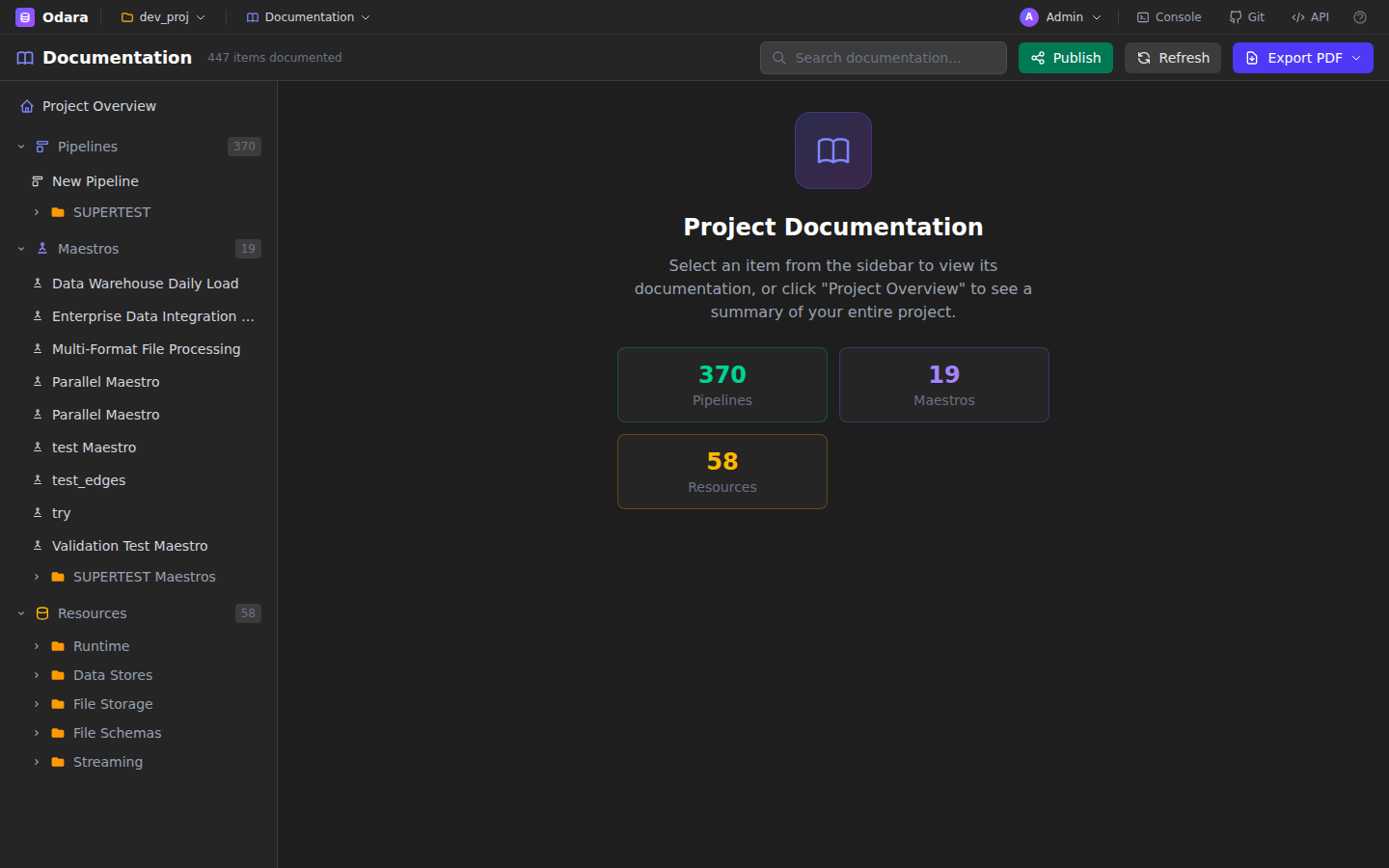
The Documentation page inside Odara auto-generates a project-scoped documentation site from the actual pipelines, maestros, and resources you've built. It's a mirror of your project's current state — always up-to-date.
10.2 Pipeline docs
For each pipeline, the generator produces: a screenshot of the canvas, a table of nodes grouped by category, each node's configuration (with secrets masked), any test results, and a data flow diagram.
10.3 Maestro docs
For each maestro: execution flow visualization, step types, variable overrides, pipeline references (linked to their own docs page), and retry policies.
10.4 Resource docs
Data Stores, File Schemas, and Variables are documented with masked credentials — passwords and keys appear as ••••••.
10.5 PDF export
Click Export PDF in the top-right of the Documentation page to generate a single PDF with the whole project. Good for archival, compliance, or handover.